Flux
Why I built this
A real-time, shader-powered tool for creating fluid, animated gradients. I built it after struggling to find existing tools that produced the kind of gradient motion I was looking for—most solutions were either static, overly constrained, or difficult to reuse.
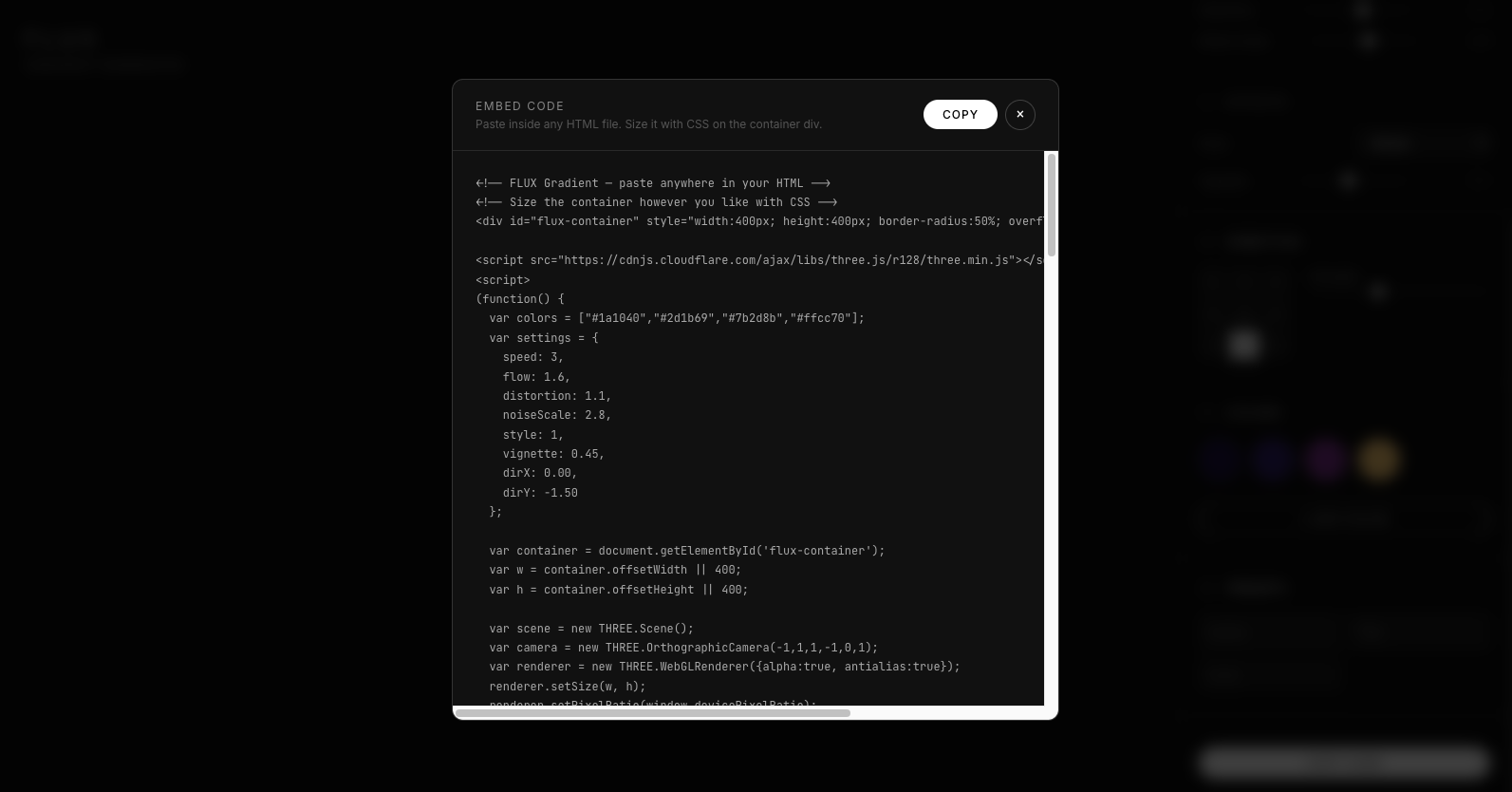
Flux explores motion-driven gradients with adjustable styles, directional flow, and tunable parameters like speed, distortion, and noise. It’s designed to be approachable as well as practical: the generated output can be exported as usable code, making it easy for anyone to drop these gradients into their own projects.
Key Features
Real-Time Shader Rendering
Fluid, animated gradients powered by WebGL for smooth, continuous motion directly in the browser.
Motion-First Gradient Styles
Multiple animation modes (e.g., Orb, Stream, Wave) designed around movement — not just static color blending.
Advanced Motion Controls
Fine-tune speed, distortion, noise scale, and flow intensity to shape how gradients evolve over time.
Directional Flow Control
Adjust gradient vectors to control movement direction — vertical, diagonal, radial, or fully custom.
Dynamic Color System
Add, remove, and customize multiple color stops to build layered, expressive palettes.
Instant Code Export
Export production-ready code for easy implementation in websites or creative projects.
Lightweight & Browser-Based
No installation required — runs entirely in the browser for fast iteration and experimentation.